Circuit-Level Truth: What's Actually Inside That $3 Adapter (And Why It Should Scare You)

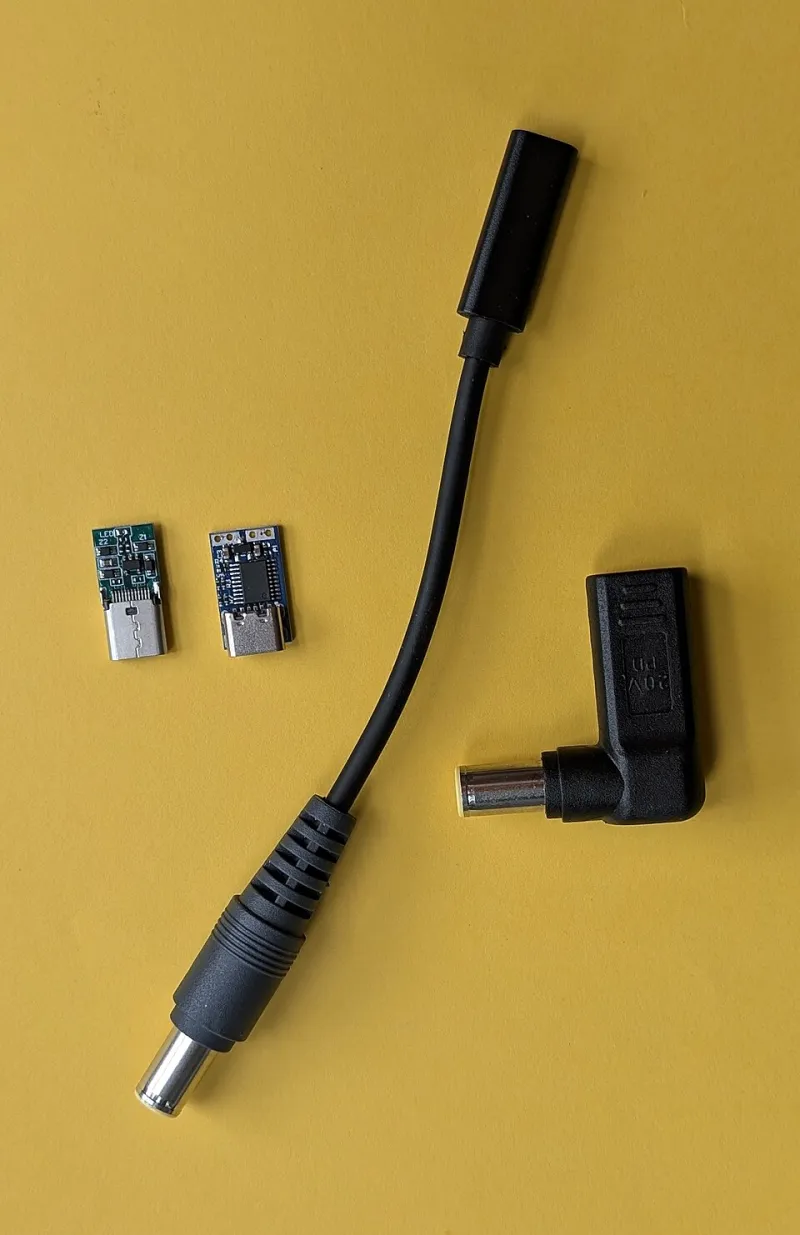
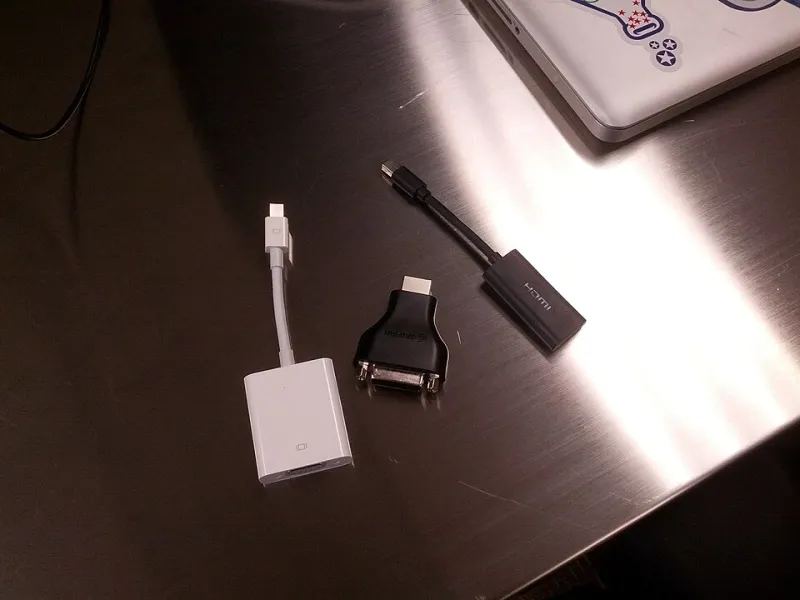
Photo: USB adapter teardown circuit board components comparison, via cabletimetech.com
Let's be honest — most of us have grabbed a random USB adapter off an Amazon listing without thinking twice. The price looks fine, the reviews seem decent, and hey, it's just an adapter, right? Wrong. Dead wrong, actually. What's living inside that cheap little block of plastic could be the single most dangerous thing plugged into your home's electrical system right now.
We've spent time cracking open adapters at several price points, and what we found inside the budget options genuinely surprised even our more skeptical editors here at AdapterVIP. This isn't fearmongering — it's component-level reality.
The Counterfeit Flood Is Real, and It's Getting Worse
Amazon's third-party marketplace and even physical retailers like Five Below and dollar-format stores are absolutely saturated with adapters that either misrepresent their specs or flat-out counterfeit established brands. A 2023 report from the Consumer Product Safety Commission flagged hundreds of USB charger listings for failing basic safety benchmarks. That's not a few bad actors — that's a systemic problem.
The tricky part? A lot of these products look completely legitimate in product photos. Same logo placement, same color scheme, nearly identical packaging. The differences only reveal themselves when you go deeper.
What a Teardown Actually Shows
When you crack open a quality adapter — say, something from Anker's PowerPort line or Apple's official 20W brick — you'll find a few consistent things: proper thermal fusing, a legitimate transformer with adequate copper winding, clearly separated primary and secondary circuits, and components rated appropriately for the voltages involved.
Now crack open a $3 no-name unit. Here's what you typically find instead:
Undersized transformers. The copper winding is often thinner gauge than rated, which means the adapter runs hotter under load than it should. Heat is the enemy of electronics longevity — and in a worst-case scenario, it's also a fire risk.
Missing or fake safety components. A legitimate adapter will include a transient voltage suppression (TVS) diode to handle power surges. Budget counterfeits often either omit this entirely or use a component that's physically present but functionally inadequate — sometimes literally just a resistor in the same footprint.
Dangerously thin creepage distances. This is the one that makes electrical engineers lose sleep. Creepage distance refers to the physical gap between the high-voltage primary side and the low-voltage secondary side of the circuit. International safety standards (UL, CE, and similar) mandate specific minimum distances. In counterfeit adapters, these distances are frequently cut to save board space, meaning the barrier between wall voltage and your phone is basically nothing.
No real isolation. Proper adapters use an optocoupler to keep the high and low voltage sides electrically isolated. Cheap fakes sometimes skip this entirely or use a severely underrated component.
The Visual Cues You Can Spot Without a Screwdriver
You don't need to tear anything apart to start identifying sketchy adapters. Here's what to look for before you even plug something in:
- Weight. Legitimate adapters have real transformers inside, and transformers have mass. If an adapter feels hollow or surprisingly light, that's a red flag. A genuine 20W USB-C charger should feel noticeably substantial.
- Certification marks. Look for UL listing marks (the circle-U with a circle-L), FCC ID numbers, and CE markings. These should be crisp and clearly molded or printed — not smudged, oddly spaced, or clearly printed over another mark. You can actually verify UL and FCC IDs on public databases online.
- Heat during use. All adapters get warm, but a unit that gets uncomfortably hot to the touch within a few minutes of charging is running inefficiently at best, dangerously at worst.
- Prong fit. Quality adapters have prongs that fit snugly into outlets with a satisfying, firm connection. Wobbly or loose prongs indicate manufacturing shortcuts that often extend to the internal components.
- Branding consistency. Counterfeit brand-name adapters often have slightly off logo fonts, inconsistent spacing, or serial numbers that don't match the brand's known format. Apple's serial numbers, for instance, follow a specific alphanumeric structure you can look up.
Testing Methods That Actually Work
If you want to go further than visual inspection, a few practical tests can reveal a lot:
Voltage output testing. A basic multimeter (you can grab one for under $20 at Home Depot) lets you measure actual output voltage. A 5V adapter should read between 4.75V and 5.25V under load. Significant deviation — especially voltage that sags when a device is actually charging — points to a weak or fraudulent design.
USB power meter testing. Devices like the PortaPow USB Power Monitor or the WITRN C4 plug inline between your adapter and device and give you real-time wattage, voltage, and current readings. If an adapter claims 18W fast charging but your meter shows 7W max, you've been lied to.
Thermal imaging. Okay, this one's more enthusiast-level, but thermal cameras have gotten cheap (FLIR makes smartphone attachments for under $200, and some Android phones have them built in). A safe adapter should show relatively even, moderate heat distribution. Hot spots concentrated in one corner often indicate a failing or undersized component.
The Price-to-Safety Calculation
Here's the uncomfortable math: the phone, laptop, or tablet you're charging probably cost you several hundred dollars. The data on it? Potentially irreplaceable. A substandard adapter that damages your device's battery management system — or worse, causes a fire — will cost you far more than the $12 you saved going with the no-name option.
That doesn't mean you need to spend $40 on every adapter. The sweet spot for USB-A and USB-C wall adapters from reputable third-party brands (Anker, Belkin, RAVPower, Satechi) tends to sit between $12 and $25 depending on wattage. At that price point, you're getting real safety certifications, legitimate components, and a company that will actually stand behind the product if something goes wrong.
The $3 Amazon listing with 4,000 reviews and no brand name? That's a gamble with your equipment — and potentially your home.
The Bottom Line
Brand loyalty isn't really the point here — the point is component integrity and safety certification. A $15 adapter from a verified brand with legitimate UL listing will always beat a $3 counterfeit, regardless of what the product photos look like. Open your cable drawer, check what you've got, and be honest with yourself about which ones you're actually confident in. The ones you can't vouch for? Trash them. Your devices — and your house — will thank you.