Junk Drawer Audit: Which Old Adapters Are Still Worth Holding Onto (And Which Ones Should Go)

Photo: messy junk drawer full of old cables and adapters, via blog.shp.law
Let's be honest. You have a drawer — or maybe a shoebox, or a tangle of cables stuffed behind your monitor — full of adapters you haven't touched in years. There's a Mini DisplayPort dongle from a 2014 MacBook, a micro USB charger or six, maybe a proprietary brick from a laptop that died under mysterious circumstances. And every time you crack that drawer open, you feel a small wave of guilt and confusion.
Should you keep it? Donate it? Chuck it? The answer is actually more nuanced than you'd think. Some of that "junk" is genuinely useful. Some of it is e-waste waiting to happen. Here's how to figure out which is which.
The First Question to Ask: Do You Still Own the Device?
This sounds obvious, but you'd be surprised how many people hold onto adapters for hardware they no longer own. If you ditched your Kindle Fire in 2018 and still have its proprietary micro USB cable, that cable has exactly one use case left: charging other micro USB devices, which is a shrinking pool.
Before you evaluate any adapter, do a quick mental inventory. If the device it was designed for is gone and the connector isn't universal, the adapter's value drops dramatically. That said, don't trash it yet — keep reading.
Mini DisplayPort: Surprisingly Still Relevant
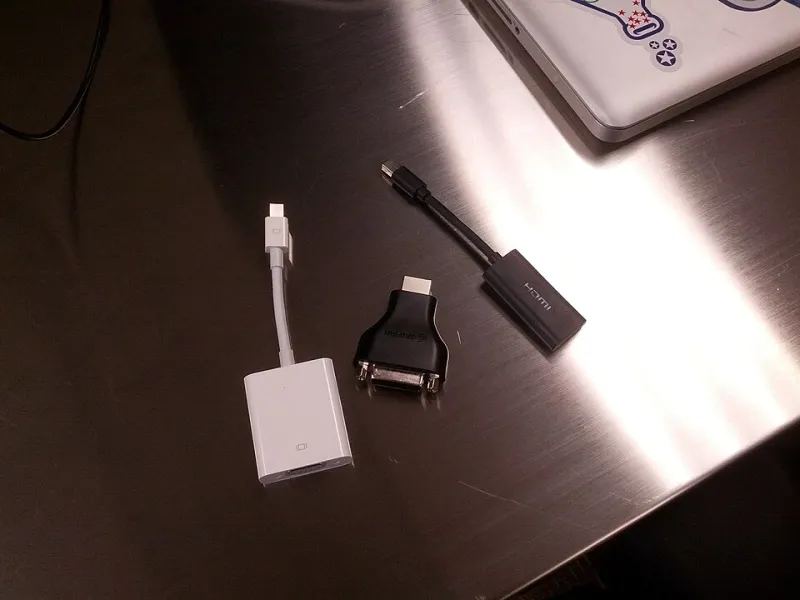
Mini DisplayPort (mDP) gets written off a lot, but it's actually one of the legacy connectors most worth keeping around in 2024. Here's why: older Mac laptops (2010–2015 era), certain Windows ultrabooks, and a surprising number of professional monitors still use it. If you do any kind of vintage hardware restoration or work with older production equipment, an mDP-to-HDMI or mDP-to-DisplayPort adapter is genuinely useful.
Also worth noting: Mini DisplayPort is electrically identical to Thunderbolt 1 and 2. If you're in a studio environment with older Thunderbolt storage arrays or audio interfaces, that adapter might be the only thing keeping legacy gear in service.
Verdict: Keep it. Especially if you work with older Apple hardware, video production gear, or have a client base that hasn't upgraded.
Micro USB: The Cockroach of Connectors
Micro USB refuses to die, and honestly? That's kind of a feature at this point. Android phones have largely moved on to USB-C, but the list of devices still running micro USB is enormous: older Bluetooth speakers, budget earbuds, e-readers, portable battery packs, game controllers, dash cams, smart home sensors, and plenty of IoT gadgets.
If you have two or three good-quality micro USB cables — emphasis on good quality — they're worth keeping in rotation. Cheap, flimsy ones with worn connectors aren't worth the drawer space. Toss those.
Verdict: Keep 2-3 quality cables, recycle the rest.
Proprietary Laptop Connectors: The Toughest Call
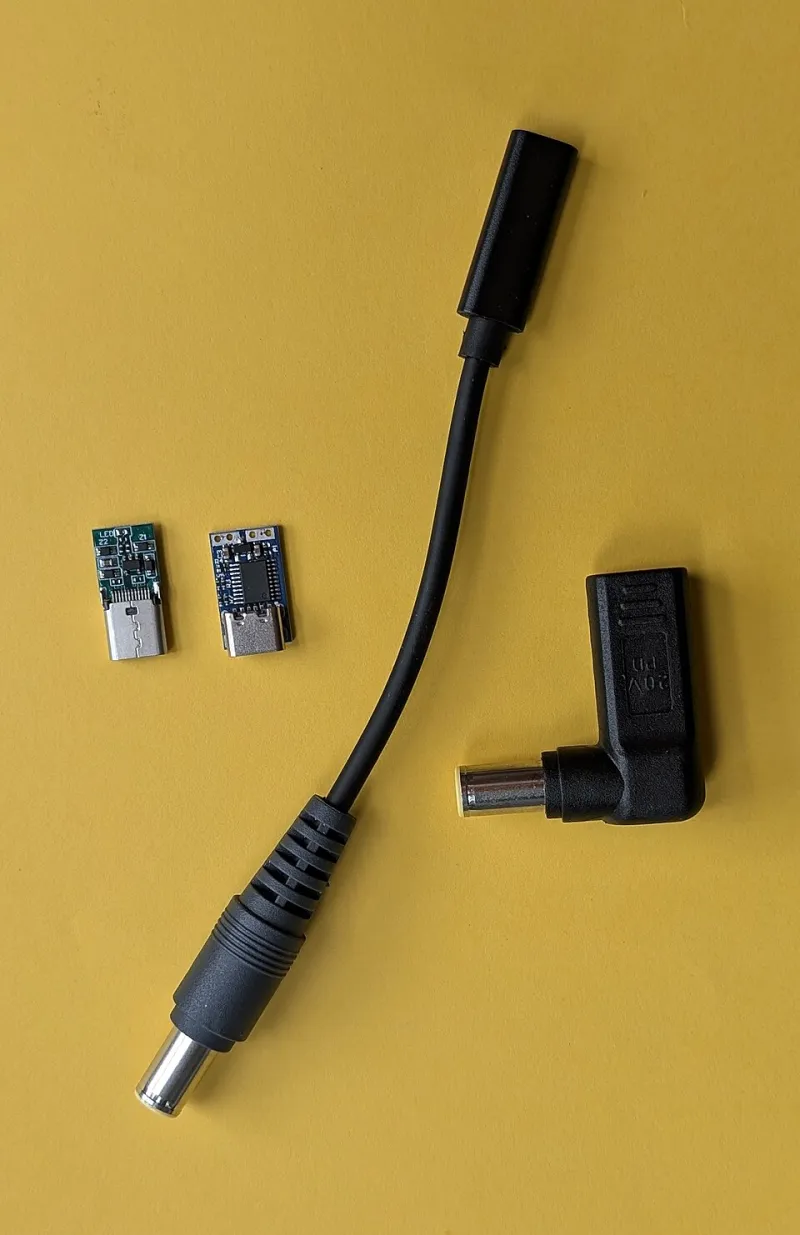
Those barrel-style power bricks and their proprietary laptop connectors are the hardest to evaluate. If you still own the laptop, obviously keep it. But what about spares for a machine you've retired?
Here's the case for keeping one: refurbished and vintage laptop restoration is a real niche. Older ThinkPads, HP EliteBooks, and Dell Latitudes from the 2010s are popular among budget-conscious users and IT departments deploying low-cost machines. If you have a spare charger for a popular enterprise model, local resellers, repair shops, and Craigslist listings might actually want it.
The case against: if it's a truly obscure connector from a discontinued off-brand laptop, nobody wants it. It's just occupying space.
Verdict: Research the model. If it's a popular business laptop line, donate or sell. If it's obscure, recycle responsibly.
VGA and DVI: Actually Not Dead Yet
Before you cringe — hear us out. VGA and DVI adapters still have legitimate use cases in 2024, particularly in education, government, and small business environments where projectors and monitors haven't been refreshed in a decade. If you ever present at a conference center, school, or older office, there's a real chance the projector in the room has a VGA port and nothing else.
A compact VGA adapter tucked in your laptop bag has saved more than a few presentations. DVI is less common but still shows up on older workstation monitors and KVM switches.
Verdict: Keep one compact adapter for each if you present in older venues regularly. Otherwise, recycle.
The Decision Matrix
Not sure where a specific adapter lands? Run it through this quick framework:
| Connector | Still Have Devices? | Niche/Pro Use Case? | Keep It? |
|---|---|---|---|
| Mini DisplayPort | Yes | Video/audio production, vintage Mac | Yes |
| Micro USB | Maybe | IoT, speakers, budget gear | Keep 2-3 |
| Proprietary Laptop | Retired device | Popular enterprise model | Donate/sell |
| VGA | No | Presentations, older venues | 1 adapter only |
| DVI | No | Older workstations, KVMs | Situational |
| 30-pin Apple | No | Vintage Apple restoration | Niche only |
| USB-A to USB-B | Maybe | Printers, audio interfaces | Yes |
What About 30-Pin Apple Connectors?
The old Apple 30-pin dock connector — used on iPhones and iPads before Lightning — is genuinely obsolete for most people. But there's a small but passionate community of vintage Apple hardware enthusiasts who restore old iPods and early iPads. If you have a 30-pin cable in decent shape, consider listing it on eBay or donating it to a makerspace. It won't sell for much, but it'll find a home.
How to Recycle What You Don't Keep
Don't just toss electronics in the trash. E-waste is a real problem, and most major US retailers — Best Buy, Staples, and others — have free drop-off recycling programs for cables and adapters. The EPA's eCycling program also has a locator tool at epa.gov to find certified recyclers near you.
If the adapter still works, consider donating to a local Goodwill, school, library, or community tech program. Older cables and adapters often end up in classrooms and nonprofit offices where budgets are tight.
The Bottom Line
Your junk drawer probably has more value in it than you think — but also more genuine clutter than you're admitting. The goal isn't to keep everything "just in case." It's to make intentional decisions based on real use cases. Keep the connectors that serve your actual workflow or fill a niche you genuinely encounter. Let the rest go somewhere it can be useful or recycled properly.
And hey — once you've cleared out the dead weight, that drawer might actually close all the way for the first time in years.